get in touch
You are enquiring about the following piece:

 Out of Stock

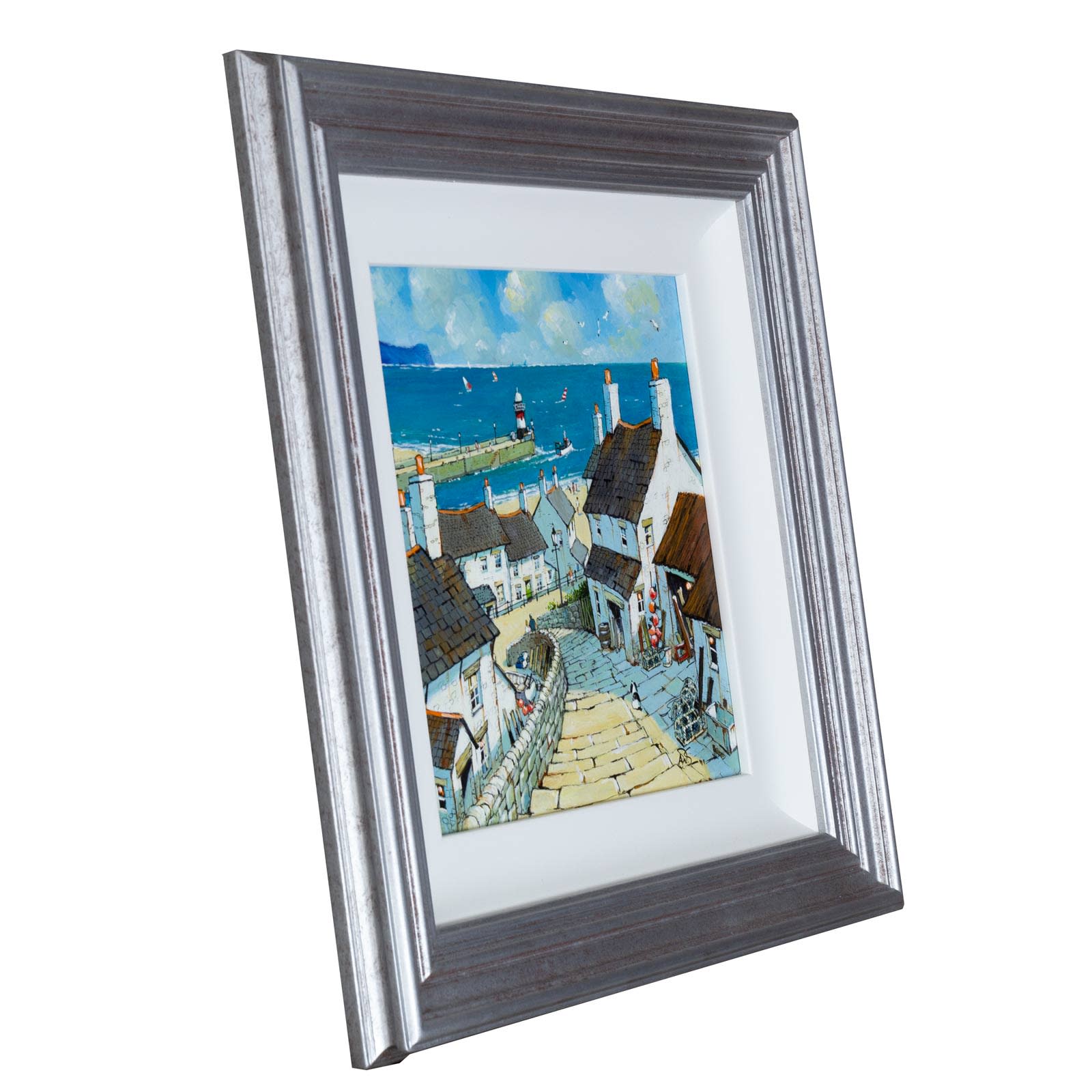
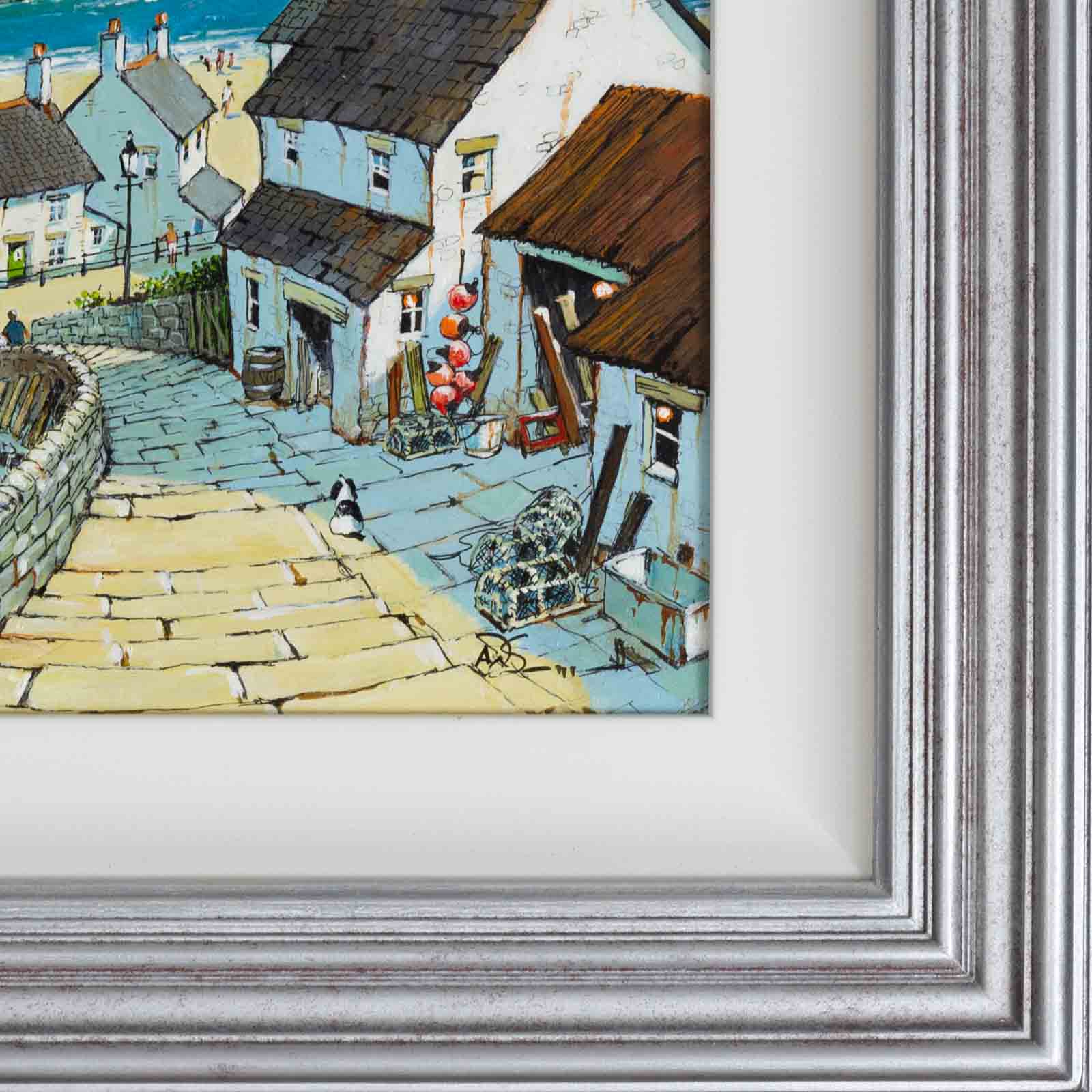


Down To The Beach
We’ve nearly arrived at the beach at this quaint little Cornish fishing village with its striped lighthouse in the distance. A sunny original painting by Alan Smith framed as shown and ready to hang.
- Acrylic on Board
- Unframed: 12 x 12 inches
- Framed: 20 x 20 inches
- Sold
- Commission Artist
-

 Visualise On Your Wall
 - Learn More About Art Visualiser
-
Visualise on Your Wall
- 1. Click 'VISUALISE ON YOUR WALL' button
- 2. Aim your phone at your floor while it calibrates *
- 3. Move your position until it meets the floor and bottom of your wall
- 4. Click the Pin icon to lock it into place and the painting will appear on your wall
- 5. You can move the painting around with your finger and move your position to see the painting from different angles
- Getting Started: Download the FREE Art Visulaliser App from the Apple App Store (or Google Play Store if an Android device)
- 1. Open the Art Visualiser App and select the 'Scan QR' option to scan the QR code to the left of these instructions
- 2. When prompted, press 'Visualise On Wall' and aim your phone at your floor while it calibrates*. A graphic will appear to help scale and position the artwork. You need to ensure this is correctly aligned to where the base of the wall meets the floor
- 3. Once situated, press 'Pin Here' to lock it into place and the painting will appear on your wall! You can adjust the positioning of the painting using the touch screen and even view it from different angles or close up by moving around the room
- Commission Artist
-
Visualise On Your Wall
- Learn More About Art Visualiser
-
Visualise on Your Wall
- 1. Click 'VISUALISE ON YOUR WALL' button
- 2. Aim your phone at your floor while it calibrates *
- 3. Move your position until it meets the floor and bottom of your wall
- 4. Click the Pin icon to lock it into place and the painting will appear on your wall
- 5. You can move the painting around with your finger and move your position to see the painting from different angles
- Getting Started: Download the FREE Art Visulaliser App from the Apple App Store (or Google Play Store if an Android device)
- 1. Open the Art Visualiser App and select the 'Scan QR' option to scan the QR code to the left of these instructions
- 2. When prompted, press 'Visualise On Wall' and aim your phone at your floor while it calibrates*. A graphic will appear to help scale and position the artwork. You need to ensure this is correctly aligned to where the base of the wall meets the floor
- 3. Once situated, press 'Pin Here' to lock it into place and the painting will appear on your wall! You can adjust the positioning of the painting using the touch screen and even view it from different angles or close up by moving around the room
Art Visualiser
* Older mobile devices will require an AR Marker to be downloaded, printed on A4 and positioned on your wall


3 Quick and Easy Steps
* Older mobile devices will require an AR Marker to be downloaded, printed on A4 and positioned on your wall
Art Visualiser
* Older mobile devices will require an AR Marker to be downloaded, printed on A4 and positioned on your wall
3 Quick and Easy Steps
* Older mobile devices will require an AR Marker to be downloaded, printed on A4 and positioned on your wall
Commission Alan Smith

or
 free insured delivery to united kingdom
Categories:
 Previous artwork